Help & Guide
Download and install
Check your Windows PC, signal tool and supported platform. See the download page for required runtimes.
Download the ZIP from the official page, extract it and run the included setup. If it cannot start, check the displayed message and consult the help.
Requirements and download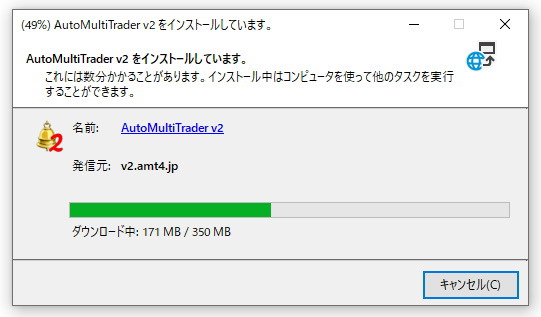
When “Do not save encrypted pages to disk” is enabled, it can block ClickOnce from downloading files required by AMT Setup.
1. Check Internet Options:
Open “Internet Options” from Control Panel, select the “Advanced” tab, then locate “Do not save encrypted pages to disk” in the “Security” category.
2. Change the setting:
Clear the checkbox for “Do not save encrypted pages to disk” if it is selected.
3. Restart your browser:
Close all browser windows to apply the change.
4. Retry:
Run AMT Setup again and confirm whether the issue is resolved.
The “Do not save encrypted pages to disk” setting reduces the risk of other people accessing cached data on shared or public computers. On your own computer or a VPS you subscribe to, clearing this setting does not directly cause an information leak. Keep it cleared after installation, as restoring it may interfere with future automatic updates.
Create your AMT account
Register your email address to receive a verification email. Open its link and set your display name and password to complete registration. If it does not arrive, check spam and ensure you can receive email from v2.amt4.jp.
Create an accountConnect to a demo environment
Configure the connection and make sure demo trading is selected before performing test actions.
Configure the actual alert text, instrument and direction. MT4/MT5 and TradingView use different receiving methods.
Read the detailed help